Android will unlock the phone itself, but there is a catch
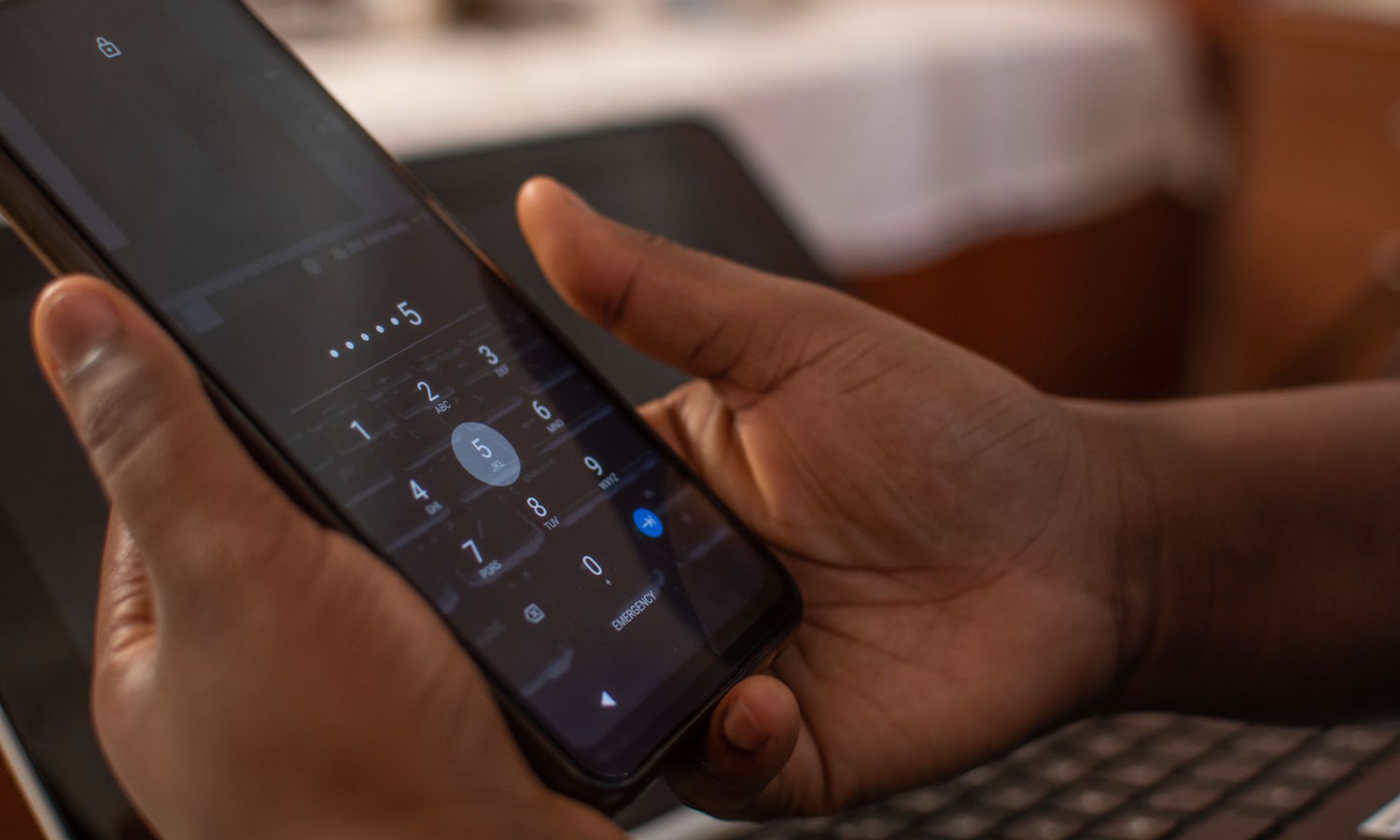
You must have restarted your Android phone. Then we not only have to enter the screen unlock code, but also the PIN code for the SIM card. Google wants to make it easier for us.
The latest build of Android 17 Canary includes a new feature that will make entering the card PIN code no longer necessary, at least not every time. To do this, simply go to Settings > Security and privacy > More > SIM card protection. There, after turning on the “Automatic PIN management” switch, Android will first ask for the PIN/biometrics to unlock the phone, and then for the current card PIN.
After activating this option, the system will automatically enter the PIN for the SIM card after each restart. This will happen in the background when the user unlocks the phone, so there is no need to remember another code. This will be completed automatically.
However, this won’t always work. If someone removes the SIM card and puts it in another phone, they will still need to know the PIN. Autofill will only work on a previously configured device. This is intended to make it more difficult for thieves to use the card for calls, text messages or to capture 2FA codes, and at the same time removes the hassle of entering the PIN after each restart.