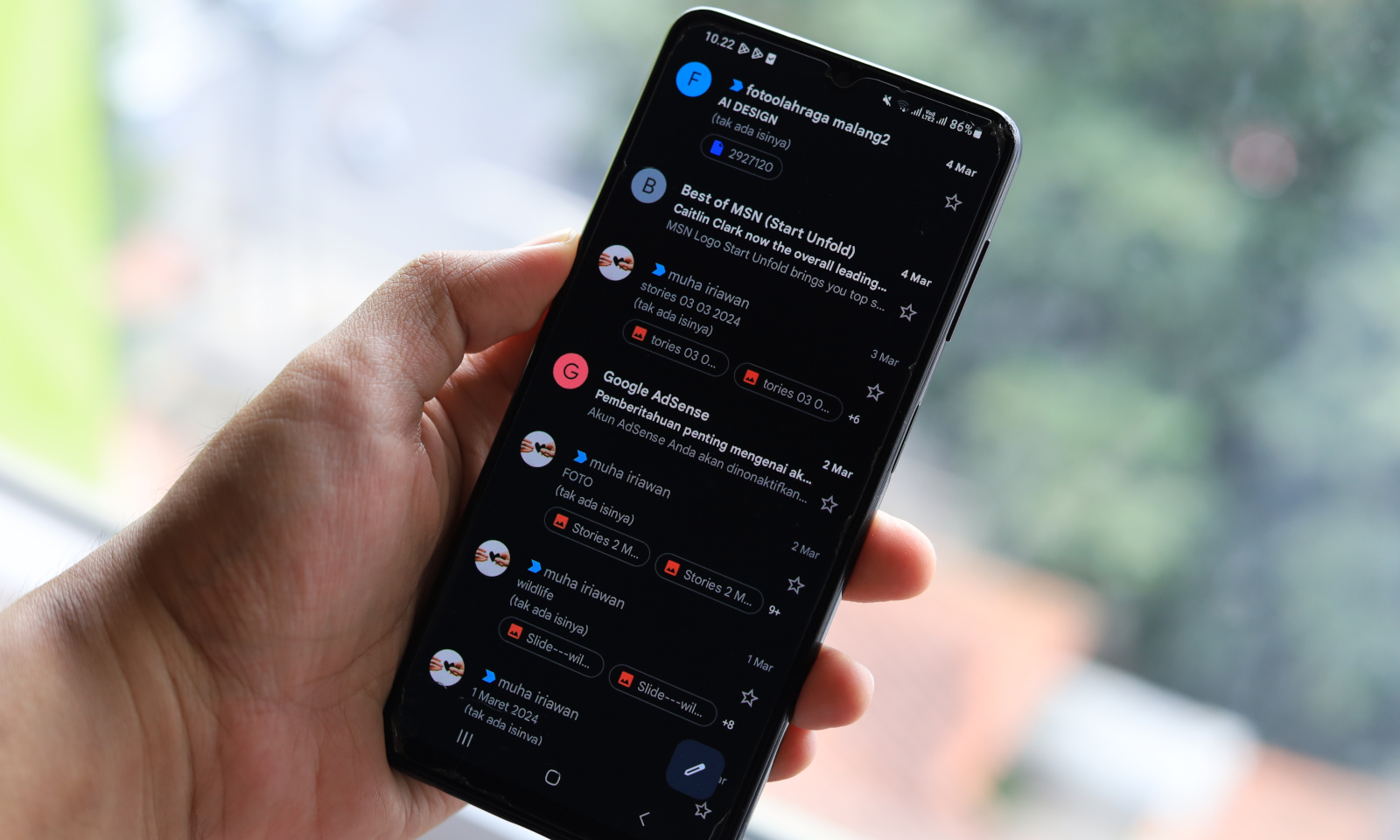
Gmail on Android finally comes with a feature that iOS has had for six years
Labels in Gmail finally on Android
Labels in Gmail are one of the simplest tools organizing messageswhich is especially useful for those who receive many e-mails a day, on various, often unrelated matters. This inconspicuous feature allows you to more easily organize mail in your inbox according to various criteria and is a good complement to the default Gmail categories. Labels have been around forever in the web version of Gmailand for 6 years also in a mobile version for iOS. However, they are only now appearing on Android – it’s strange that they are so late.
The new item is available in the Gmail sidebarright above the list of existing labels. After selecting it, you can give the label a name and save it without having to use the browser version. Editing or deleting labels is done in the section Settingswhere you need to select a specific account and find the option there Manage labels. You can also change the name or synchronization frequency there.

There is still something missing for now label color changing optionswhich we know from the web version, but it is still a big step forward. Creating labels directly in the application will allow you to better organize your inbox and quickly assign messages to categories – just hold the email, select the three-dot menu and the option Label.
The shared feature is apparently not related to the new version of the application, but is sent on the server side. So there is no need to update Gmail, just look in the side panel and see if the new thing is already there.