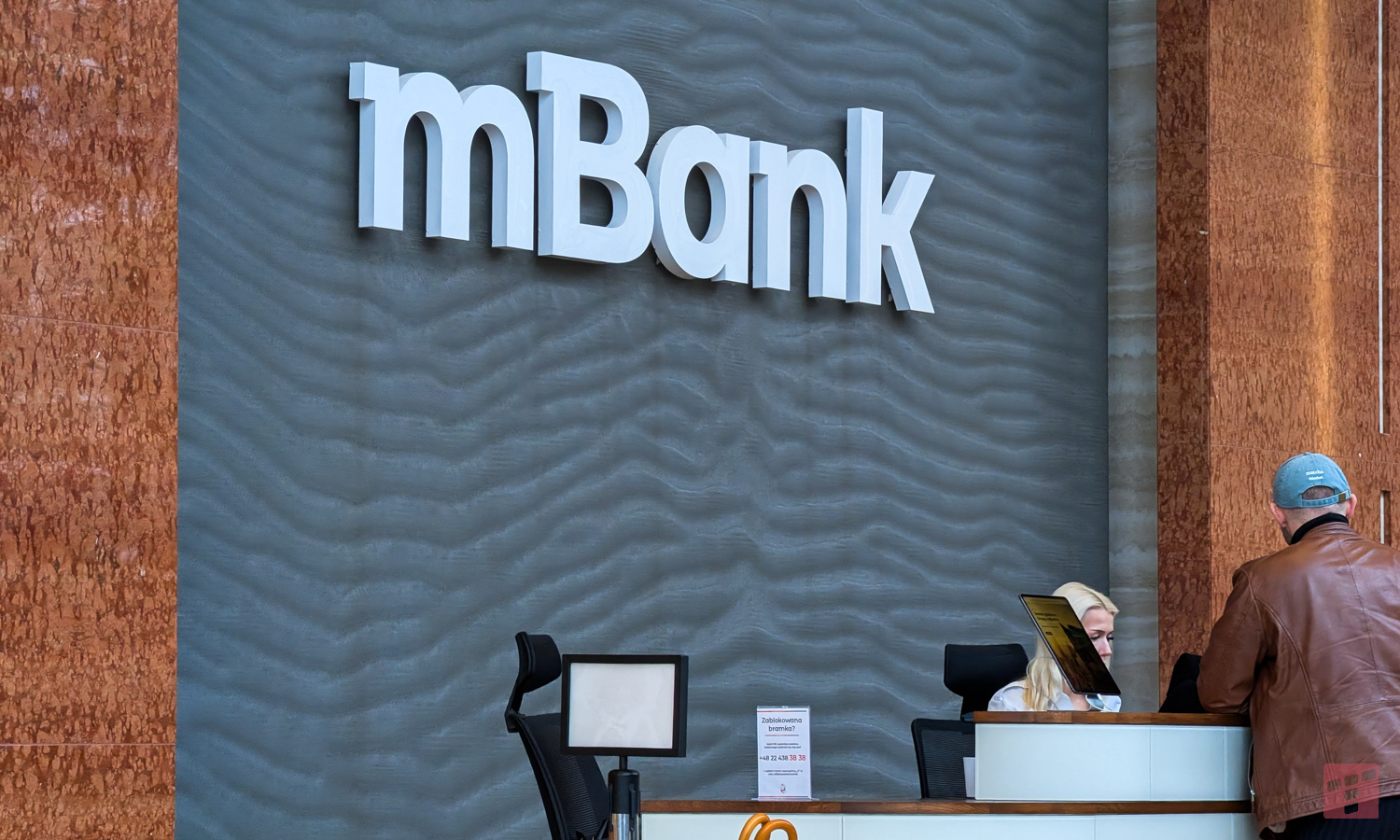
mBank turned to customers. It’s about the application
mBank warns – if you do not know the website, do not download
The bank does not beat around the bush, but addresses its customers directly:
Attention, do not install mBank applications from untrusted sources.
And he’s right. Fake applications that customers download from outside official stores, such as sites such as moddroid, can lead to real problems. Typically, in such situations our data is taken over and money is lost from the bank account. We are often persuaded to download this type of application by phone by a person pretending to be a bank employee.
mBank reminds two security rules:
- Bank nit never asks for installation no additional applications from the Internet.
- It also never sends any links to download the application.
mBank – how to protect yourself against fraud?
Never download applications from outside official stores. Download them only from Google Play and the App Store.
However, if you have already downloaded the application, or you have noticed that the device has started to work slightly differently than usual (slower), or a black screen has appeared and the phone does not respond to any operations – immediately turn it off and disconnect it from the network. The next step recommended by the bank is to contact mLinia (number 42 6 300 800) and explain the entire situation.
Recently, mBank warned against taking care of your payment cards and not giving them to any third party. An mBank employee will never ask you to send or give your card to anyone.