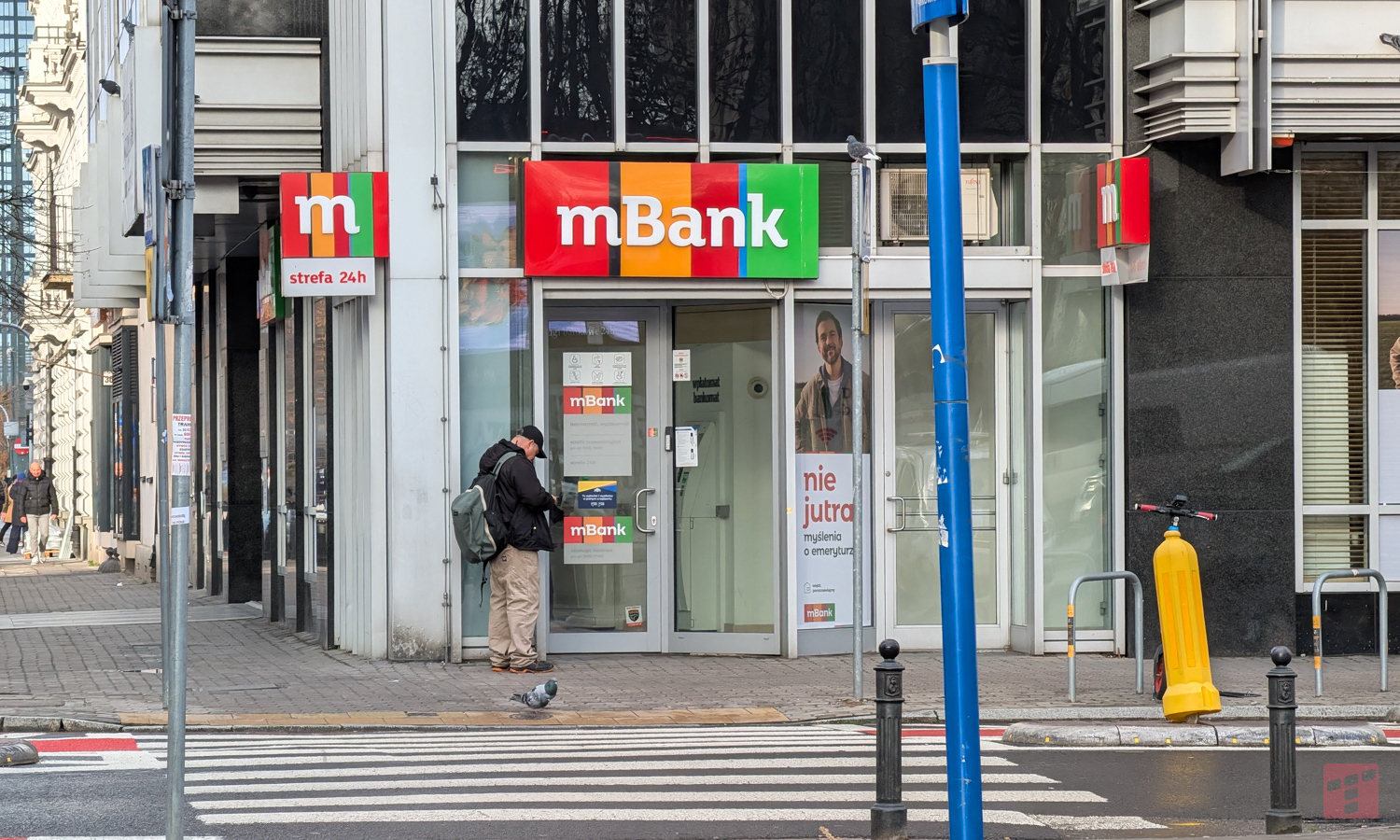
mBank appeals to customers. This time it’s about the application
mBank reminds you about an important issue
Fraudsters will do a lot to get access to the money in our bank account. Often they don’t have to put in much effort because we often make things easier for them and, worst of all, we act according to their script. mBank reminds that it does not have to be like this. It’s worth saying “no, thank you” and making life a little more difficult for cybercriminals.
They ask you to download the application and convince you that you can’t move without it
Fraudsters increasingly often impersonate a buyer from a sales portal or a bank employee. They torpedo us with fake messages with alleged purchase confirmation and attach a link to the website they created. Regardless of the scenario they use, it always ends in one way – they ask you to download the app. They claim that they need it to confirm transactions, receive payments or verify their accounts. The term for this type of application appears very often – “mBank security key”.
Never install such an application. It’s malware.
Fake app – why does it do so much damage?
Unfortunately, this “mBank Security Key” is a smokescreen, or colloquially speaking, “a hoax”. During the installation process, the application asks for access to full control of our device. In this way, we give fraudsters our money and data on a platter.
mBank reminds you of what is most important:
- Don’t succumb to requests to install additional security applicationsapart from the official mBank application.
- Remember that the mBank application will not ask you for your PESEL number, mother’s maiden name or card number when logging in.
- It’s best do not follow any linksthat someone sent you via message. Also, do not download any applications from such links.
- Always check whether the publisher of the application is mBank. If in doubt, stop the installation and contact the bank yourself.
It is worth realizing that a real mBank employee will always ask for verification in the mobile application at the beginning of the conversation. Thanks to this, the client will confirm the identity of the employee and will be sure that he is talking to someone actually employed by this institution.
If you have downloaded the installation and you see that the device is working differently than usual (slower or a black screen appears), immediately turn off the device, disconnect from the Internet and contact mLinia.