Have you used it? You won’t like this change on Android
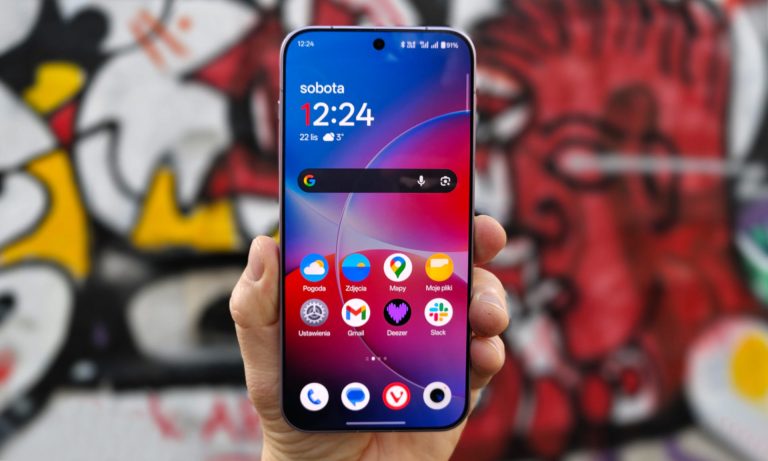
How do you check the weather on your Android phone? You probably click on the sun or cloud icon (depending on current conditions) located next to the watch widget. This is where Google decided to make a change.
New weather on Android
Clicking the weather shortcut on the home screen of an Android phone took you to a full-screen view with more detailed information about weather conditions. Interestingly, it was not a separate application. The weather was displayed in a specially prepared view of the main Google application.
It doesn’t change the fact that it just worked. This way, we could quickly check the detailed weather for the next few days, and even in other cities. Despite this, Google decided to introduce a change that many will not like.
From now on, clicking the shortcut takes you to the search results. There is a weather forecast card on them, which contains current weather conditions, the weather for the next few days and many other useful information.

old view (left) vs new view (right)
The problem is that, in addition, Google also serves us an AI summary and other things, including links to external websites or a search bar. The previous solution simply seemed better and more transparent.
The change applies to users who do not use Pixel series phonesbecause they already have a dedicated Pixel Weather application on their devices.