You will definitely toggle this option on your phone. It civilizes conversations
Last September, Google introduced a change to the Phone app on Android that irritated many users. However, the company came to its senses and decided to fix it.
Rotating the phone during calls
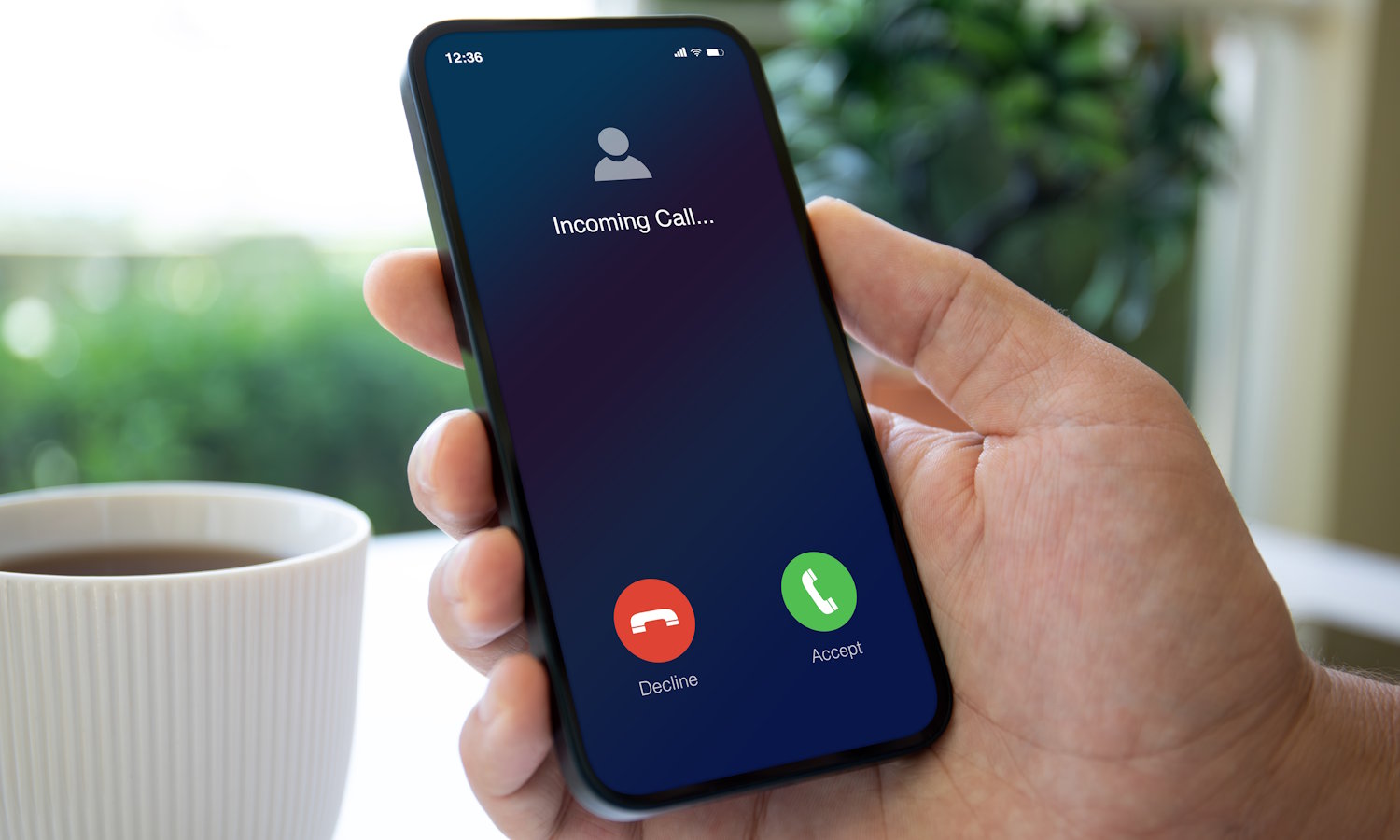
Some of you may have noticed that during phone calls, the system automatically rotates the screen from portrait to landscape mode. This makes it difficult, for example, to end a conversation because the buttons change their position. The problem is that since September last year it has not been possible to change it. The only alternative was to lock screen rotation for the entire system.
Fortunately, Google listened to the opinions of dissatisfied users, although there were some difficulties. First, in beta version 202 of the Phone application, there was an option that allowed you to maintain portrait mode during calls, even though the screen was rotated. Then it disappeared in versions 203 and 204. But now Google is bringing it back.
We listened to your opinions regarding automatic switching of the screen to landscape mode during calls. Thank you for your patience while we work to resolve this issue. Now you can prevent your phone screen from rotating to landscape mode during calls.
Unfortunately, the feature is currently only available in the beta version. We will have to wait a while longer to make it available in a stable channel, and thus to all users. Once this is done, the option to maintain portrait mode will be available in the Phone application settings, in the “Display options” tab. After the update, it will be automatically activated.